
Description
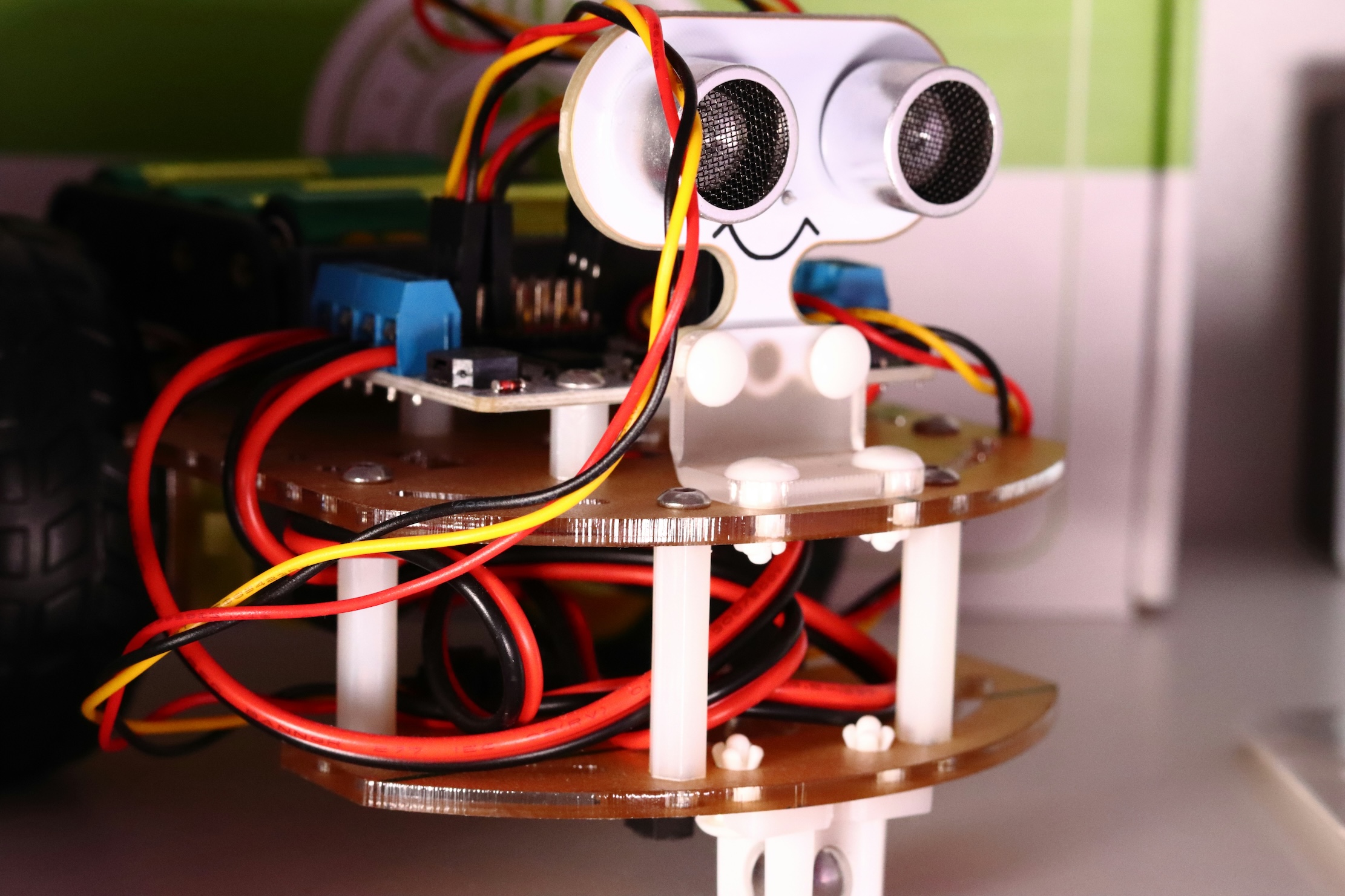
Description: Without buying hardware, students explore robotics concepts using a browser-based Micro:bit simulator. They learn how inputs like buttons, accelerometers, and light sensors trigger outputs like LEDs or sounds. Blocks are gradually replaced with JavaScript or Python views so learners see real code behind the scenes. Students build mini experiments such as step counters, reaction timers, and light meters with calibration. They record observations in a lab notebook that mirrors science class expectations. Design challenges require students to propose, test, and refine a prototype meeting a specific user need. Debugging sessions model how to isolate issues by inspecting variables and sensor readings. Safety and ethics are discussed through examples of responsible data use and device behavior. Extension paths link to physical hardware if schools later acquire kits. The capstone is a simulated smart room display that reacts to motion and light levels.
Format: Simulator projects + lab notebook templates + teacher/parent guide (PDF)
Duration: 4 weeks (two 60-minute labs per week)
What You’ll Learn: Sensors, inputs/outputs, event loops, prototyping, testing, documentation, ethics
Target Audience: Grades 5–9 students curious about robotics without purchasing equipment


